 QuickPLS
Working in QuickPLS
Explore a saved sample project
Inspect the Corporate Reputation sample's model and saved results, then save a working copy and export a report.
Open the Corporate Reputation sample
Choose Corporate Reputation from the sample-project list to open its data, model and saved results.
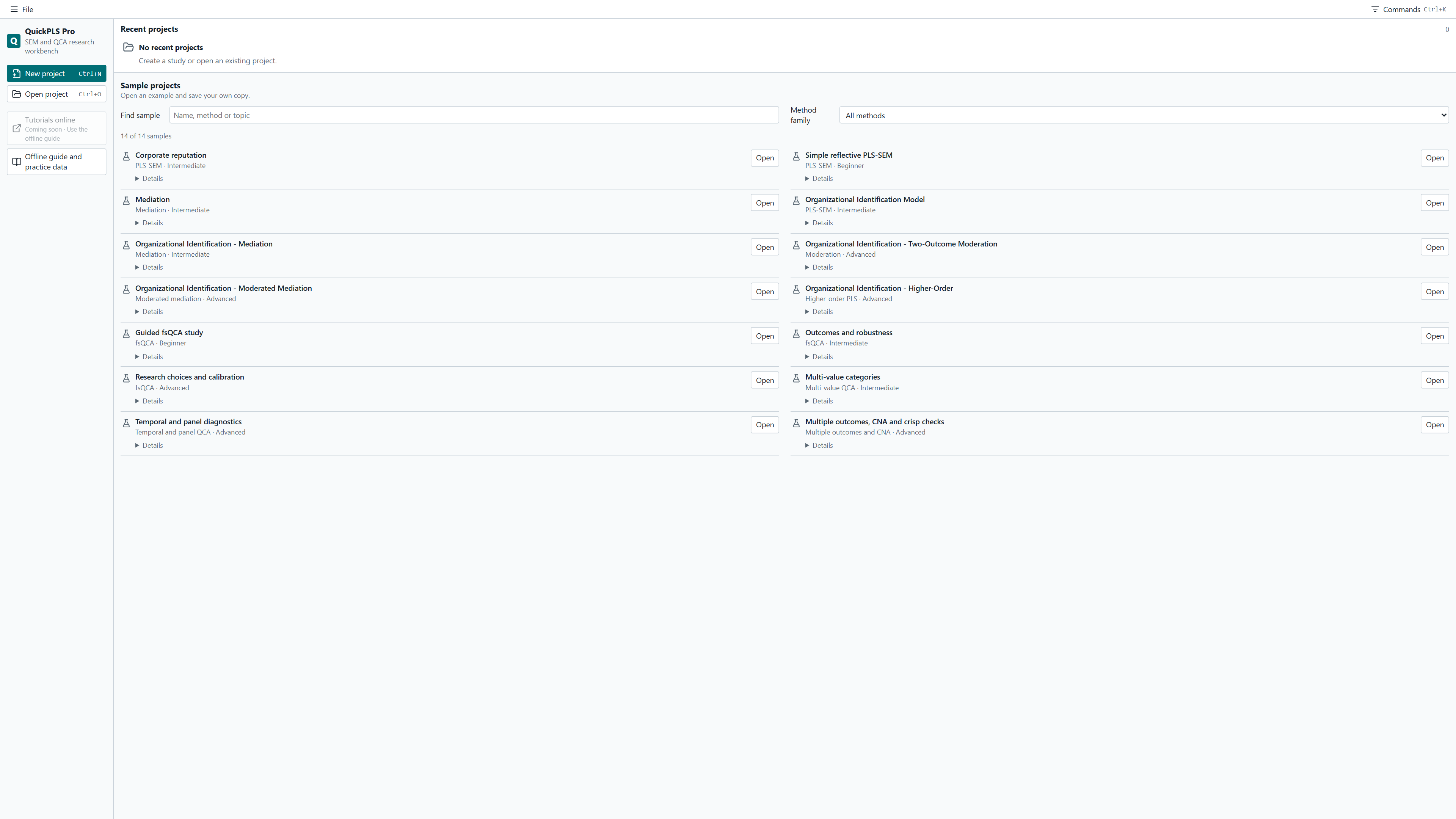
Save a working copy before editing the model. For your own dataset, start with the data preparation guide.
Inspect the relationships in the model
The extended example connects company reputation with customer satisfaction and loyalty. Select a saved result and open Graphical Output to see path estimates and R² values on the diagram.

To run the comparison yourself, use the same model specification and calculation settings. Work on your saved copy.
Open the table behind a result
The path table lists the relationships separately. In this example, the satisfaction-to-loyalty estimate is 0.505 at three decimals. A positive estimate means higher satisfaction is associated with higher loyalty in this model.

Next, examine measurement quality and uncertainty. The measurement guide explains reliability and validity checks; the bootstrap guide explains confidence intervals.
Keep the analysis with your report
Export tables from the selected result and save the project with its model, settings and results for reporting and revision.
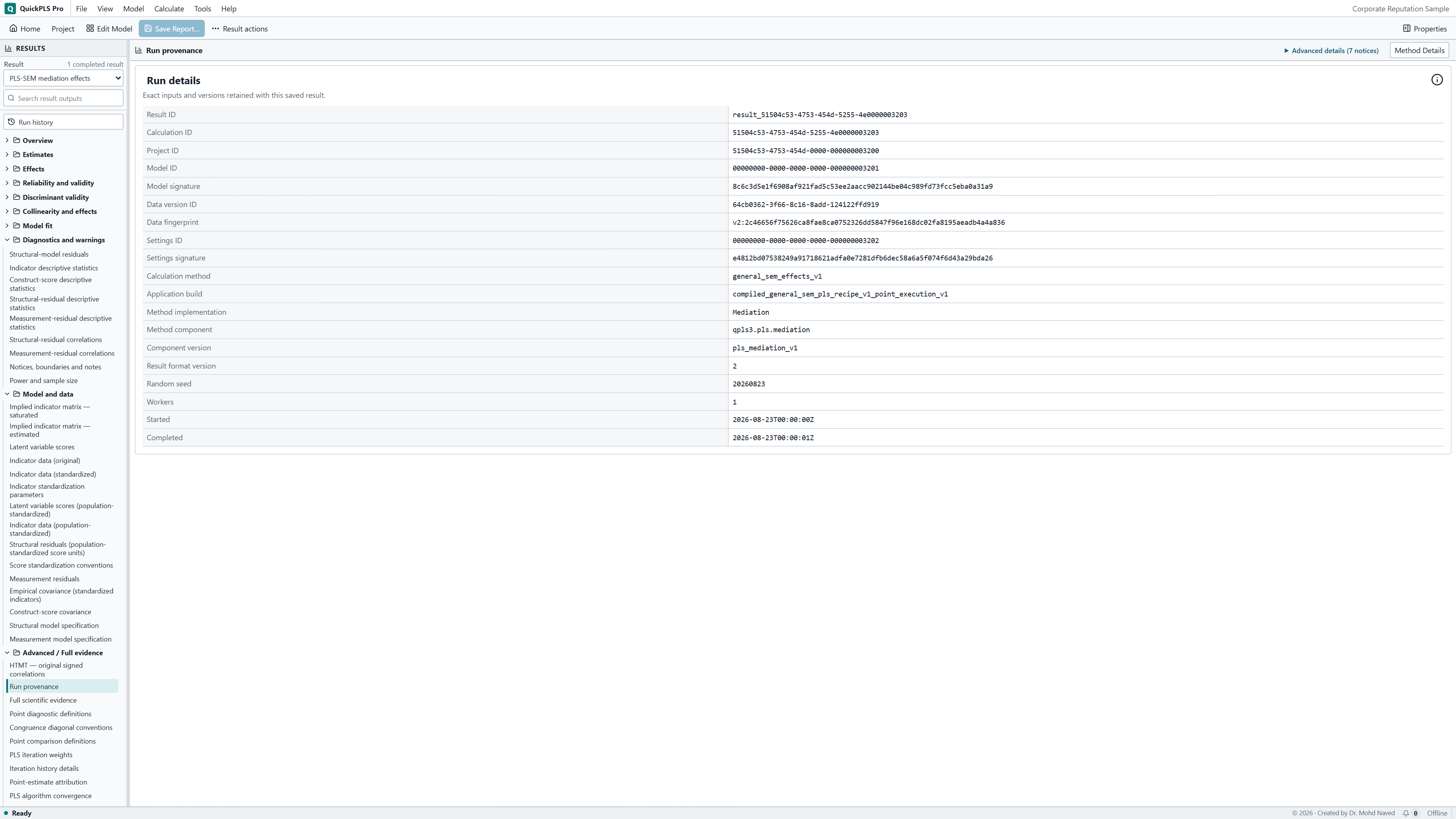
View the calculation details
Working with fsQCA?
The guided fsQCA study follows a different setup: choose conditions and an outcome, calibrate the data, review the truth table and inspect the cases behind a solution.
Follow an fsQCA example ↗Build your first model from data.
The customer-experience exercise gives you a small practice dataset and the steps to create a new PLS model.