 QuickPLS
You open a teaching model and notice that a Loyalty indicator is attached to Satisfaction. Before correcting it, save a working copy. That gives you somewhere to make the change and a clear comparison point. It also protects the downloaded example against unrelated edits.
Keep a baseline that you can identify
Open a saved practice project with File → Open Project…, or select a bundled sample from Home. The practice library documents the downloaded projects; the Corporate Reputation walkthrough illustrates an in-app sample. For the four-construct customer teaching exercise, the official data are a separate CSV, so you can instead start from a writable project you built using the PLS-SEM guide.
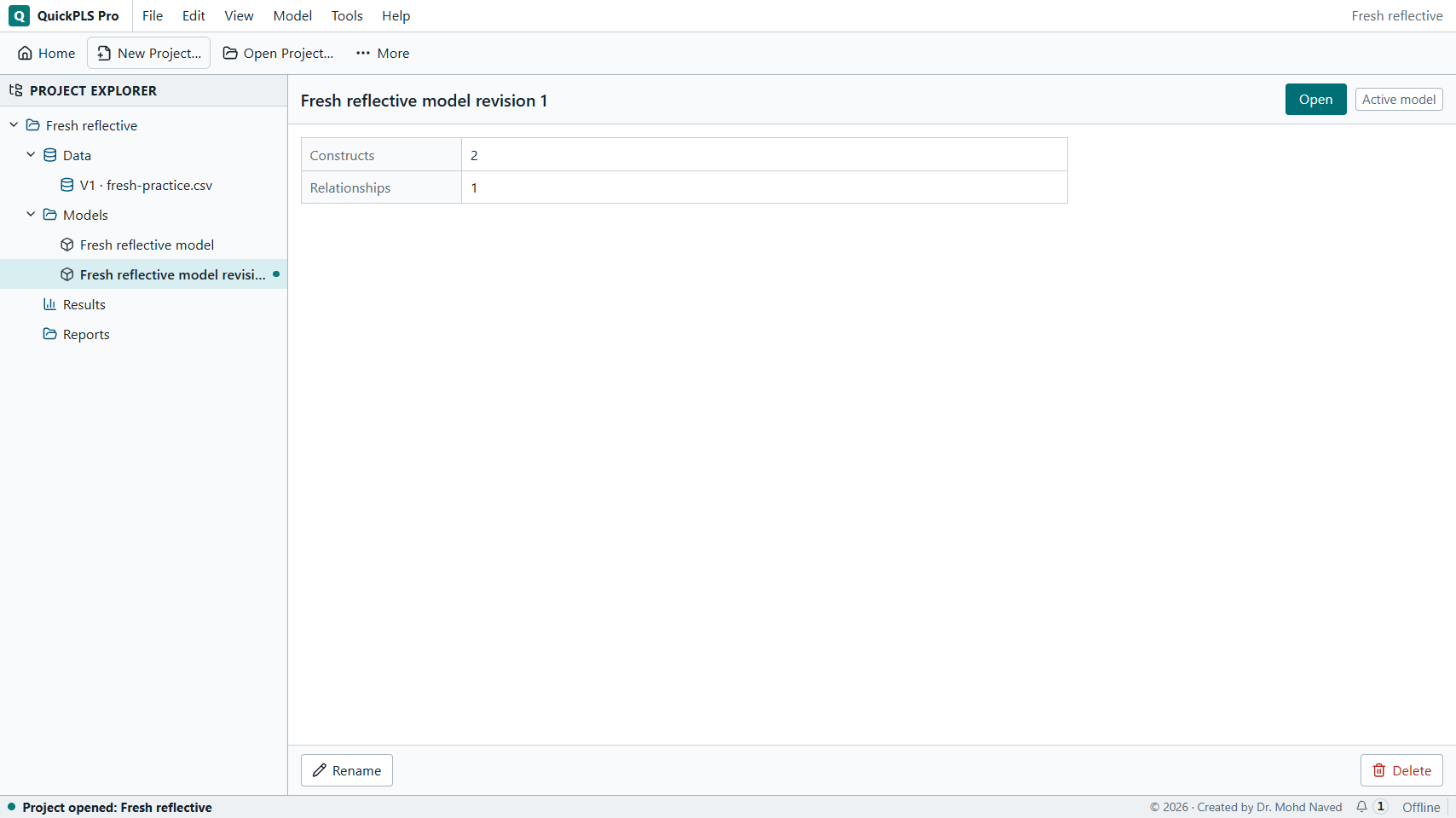
Use File → Save Project Copy… when you need a separate working project. Give the file a name that makes its purpose clear, such as Customer baseline, teaching original and Customer binding audit, working copy. Check which project is open before making changes. If a sample model is still protected, choose Create Editable Revision in the working copy before changing its indicators or paths.
For a meaningful comparison record the original model, dataset version, intended assignments and settings. If there is a completed calculation, note its result and completion details. If the baseline is an intentionally incorrect scratch model, label it invalid teaching variation and do not reinterpret its output as a study result.
Make one change a reader can reproduce
Use an illustrative audit in which loyalty_3 appears in Satisfaction where satisfaction_3 was intended. Compare the assignment against the written four-construct specification. In the working model remove the wrong binding using Properties → Data Binding → Remove and restore the intended Satisfaction and Loyalty assignments. Name or otherwise record the corrected specification separately. Leave the three structural paths, data version and calculation settings alone.
If the wrong model had an earlier completed demonstration, retain it as such and run the corrected model separately. If it was never calculated, report that no baseline result exists. Do not create a misleading “before” coefficient merely to populate a comparison table.
| What to compare | What should remain identifiable |
|---|---|
| Model | The exact wrong binding and the corrected assignment, with the written source for the correction. |
| Dataset and included cases | Same file and linked version. Check analysed counts: a different required item can change which incomplete cases are included. |
| Method and settings | Same estimator and missing-data option for a one-change comparison. |
| Result | Named old and new runs, if both exist. Check the source rather than using a report date alone. |
Reopen before you explain the change
Save the working project, reopen the original and verify it still contains the baseline. Then reopen the working file and find the corrected model and result. Check the binding and the selected calculation's source. The report and reproducibility guide covers inspecting the result record and storing meaningful decision notes.
A useful note distinguishes a correction from a new research decision: “Moved the Loyalty item from the incorrect Satisfaction binding to the documented Loyalty block. Same dataset and structural paths; analysed sample [same/different, with reason].” If you instead chose a different indicator after seeing the results, describe that as a new or exploratory specification. Both benefit from a saved baseline, but they justify different claims.